
CPS for Magento / Mage-OS
Enterprise-grade CPS configurator for Magento 2, Mage-OS and Adobe Commerce.
Magento 2.4.4 – 2.4.9 / Mage-OS 2 – 3 / Adobe Commerce
Real-time price updates, fully compatible with Magento tax rules
Configuration stored as a custom option on the cart item
Configuration detail in Magento order and invoice PDFs
Per-product CPS settings with multi-store scope support
Screenshots
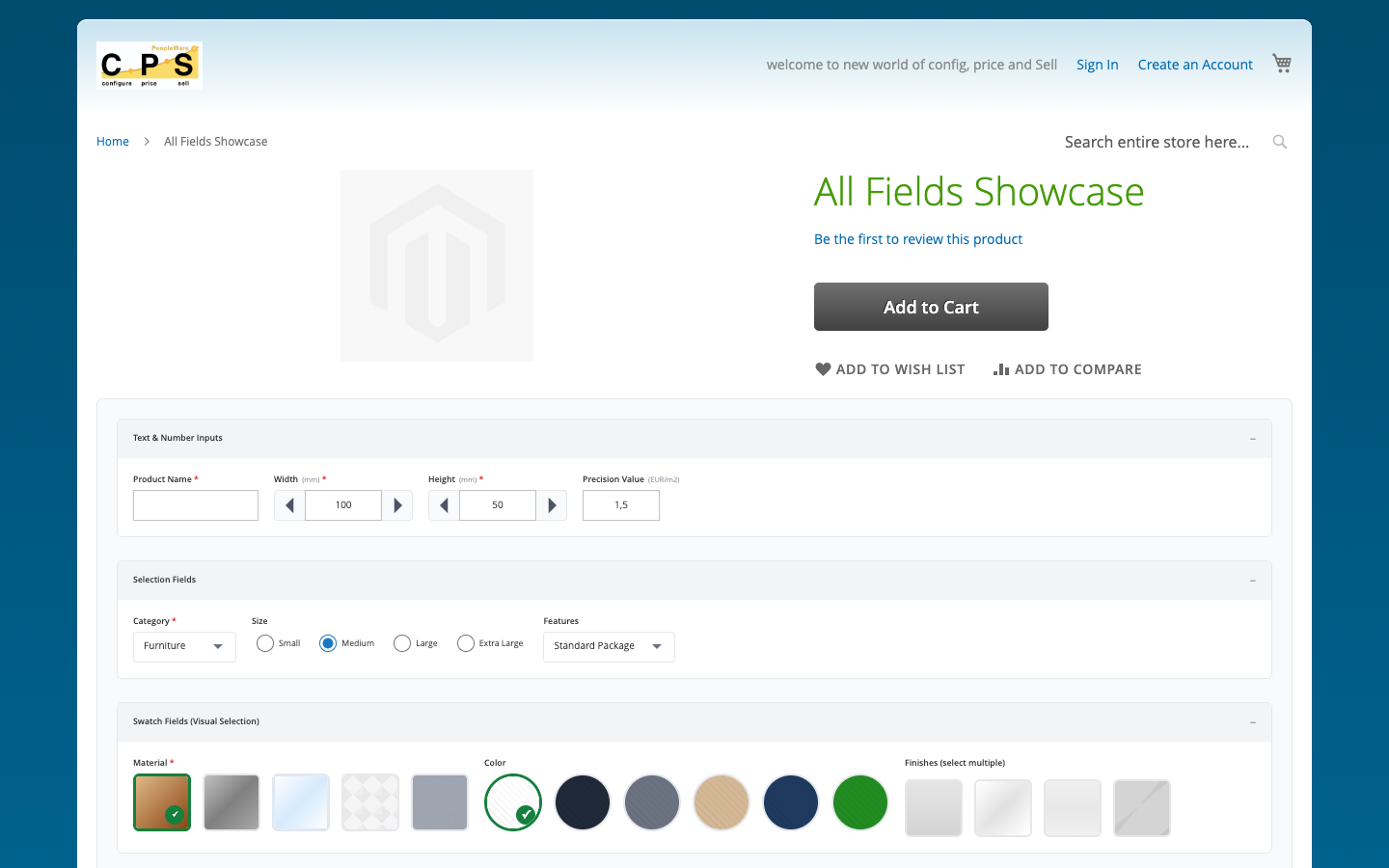
CPS configurator embedded in a Magento 2 product page
Walkthrough
1
Upload the Module
Copy the Peopleware_Cps module directory to app/code/Peopleware/Cps in your Magento installation.

2
Run Setup Upgrade
Run bin/magento module:enable Peopleware_Cps followed by bin/magento setup:upgrade and bin/magento cache:flush.

3
Enter API Key
Go to Stores → Configuration → Peopleware → CPS. Enter your API key, tenant code, and API base URL.

1
Enable CPS on a Product
Open a product in Magento admin and find the CPS tab. Set "Enable CPS Configurator" to Yes.

2
Select the CPS Product
Enter the CPS Product ID to link this Magento product to the correct pricing schema.

3
Choose Theme & Layout
Select a visual theme and layout. You can also add custom CSS scoped to this product.

1
Customer Configures
The configurator loads in the product detail page. Price updates in real time as selections are made.

2
Add to Cart
On Add to Cart, the configuration is stored as a custom option on the quote item.

3
Checkout
The configuration summary appears in the cart, checkout, and order confirmation.

1
Order List
CPS orders appear in the standard Magento order grid with a CPS badge for easy filtering.

2
Order Detail
The order detail page shows the full CPS configuration under the product line item.

Ready to get started?
Connect CPS to your Magento / Mage-OS store in minutes. No coding required.